Accountant websites that earn trust before the first meeting.
Choosing an accountant is a trust decision. People want to see who you are, what you specialise in and that you're properly registered, then book a time without a back-and-forth of emails.
Based in Melbourne, working with businesses across Australia.
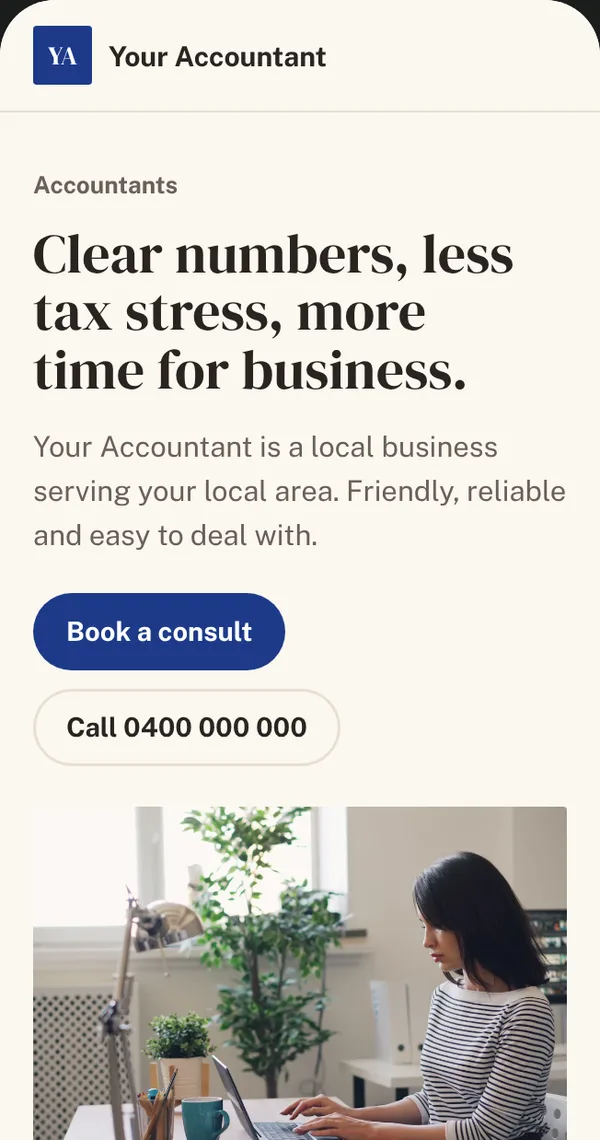 Sample site. Make one for your business
What people search for
When someone needs a practice, these are the kinds of things they type into Google. Your website and Google profile should show up for the ones that match what you do.
- “accountant near me”
- “tax return [suburb]”
- “small business accountant Melbourne”
- “bookkeeper for tradies”
- “SMSF accountant”
What a good practice website needs
- 1
Clear services and who you help
Individuals, sole traders, small companies, a particular industry: say who you're best for so the right clients get in touch.
- 2
Your registration details
Showing your tax agent or BAS agent registration helps clients check you're the real thing.
- 3
Appointment booking
Let clients book a first meeting or a tax-time appointment online instead of phoning during your busiest weeks.
- 4
Your team
People like to know who will handle their affairs. A photo and short bio for each person goes a long way.
- 5
Safe ways to send documents
Point clients to your client portal for documents, rather than asking them to email tax file numbers.
Mistakes we see all the time
- A site that looks like every other accounting firm, with no sign of who you actually help
- No way to book a meeting online, especially at tax time
- Asking clients to email sensitive documents
- Out-of-date tax guides that undermine your credibility
How we help
How it works
- 1
Chat
A free 15-minute call about your business and what you need. We tell you honestly what you need, and what you don't.
- 2
Design
We send you a design to react to before anything is built, so there are no surprises later.
- 3
Build
We build it, you review it, we adjust it, until you are happy with it.
- 4
Launch and look after
We go live, and our optional website care keeps everything running smoothly.
Common questions
- Can the website link to our client portal?
- Yes. We add a clear client login link so clients know where to upload documents securely.
- Can clients book appointments online?
- Yes. We can connect a booking tool, or your practice software's booking, so clients pick a time themselves.
- Do you write the content?
- We help with it. You know your clients and specialties; we turn that into clear, plain-English pages.
Helpful guides
- Do I need a website if I already have a Google Business Profile?What a Google profile does, what a website does, and when you need both.Read guide
- A local SEO checklist for Melbourne businessesA practical, do-it-yourself checklist to help your business show up in local Google searches.Read guide
- What happens when nobody looks after your websiteThe quiet problems that build up on a neglected website, and a simple checklist to avoid them.Read guide
Other industries
Let's talk about yours.
Tell us about your practice and get a fixed quote after a free 15-minute call.